01
“This background removal tool is incredible! I can create professional-looking videos in minutes. The AI technology is so accurate, and it saves me hours of editing time.”
Sarah Johnson
Content Creator · YouTube
Supprimez et remplacez l'arrière-plan de votre vidéo en un clic. Changez l'arrière-plan vidéo en ligne.
By uploading, you agree to our Terms of Service and Privacy Policy
Need bulk processing? Try our batch remover →Use Cases
Switch between creator workflows and see how BGRemover adapts the background preview for each category.


Preview 1 of 5
Compare the original frame against a cleaned background, then browse ready-made looks.
Explore EcommerceVous cherchez des applications pour supprimer l'arrière-plan ? L'éditeur vidéo gratuit vous permet de remplacer votre arrière-plan d'origine ou fond vert par une autre image, vidéo ou couleur. Vous pouvez choisir un fond transparent ou uni en un clic. L'outil de suppression d'arrière-plan IA est simple, rapide et amusant !
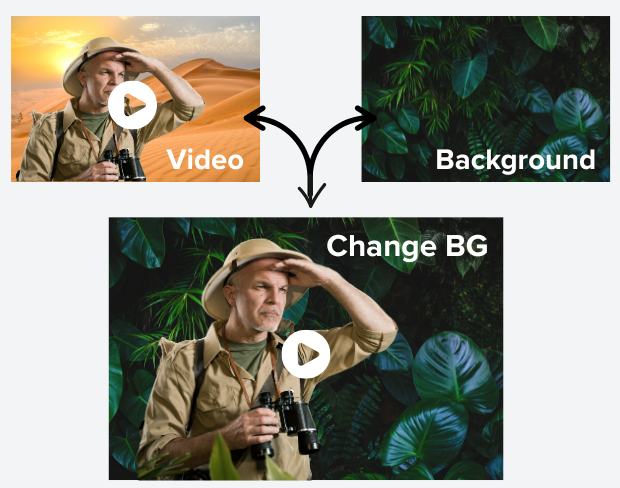
Notre technologie IA avancée détecte et supprime automatiquement les arrière-plans de vos vidéos avec une grande précision. Plus besoin de montage manuel ou de logiciels complexes - téléchargez simplement votre vidéo et regardez la magie opérer. Parfait pour les créateurs de contenu, les marketeurs et tous ceux qui veulent des vidéos professionnelles sans effort.
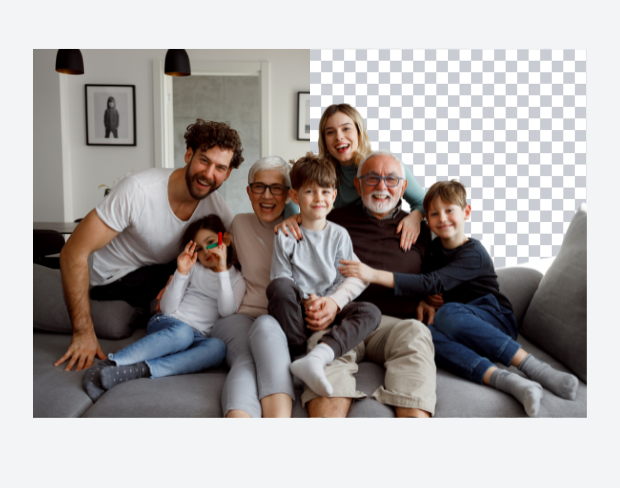
Transformez vos vidéos en remplaçant les arrière-plans par des images époustouflantes, des vidéos dynamiques ou des couleurs unies. Que vous souhaitiez vous transporter sur une plage tropicale, dans un bureau moderne ou créer un fond blanc pour votre contenu, notre outil le rend facile. Téléchargez vos propres arrière-plans ou choisissez parmi notre collection.
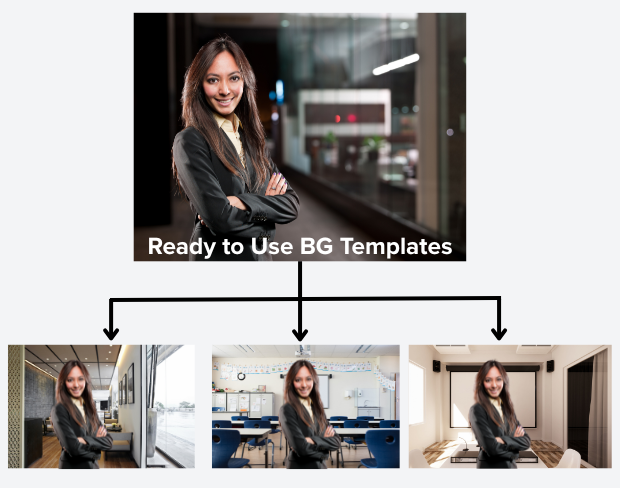
Pas de fond vert ? Pas de problème ! Notre IA peut supprimer n'importe quel arrière-plan, idéal pour créer des vidéos professionnelles sans équipement coûteux. Idéal pour le travail à distance, les présentations en ligne, le contenu sur les réseaux sociaux et les visioconférences. Créez des vidéos de qualité studio de n'importe où.
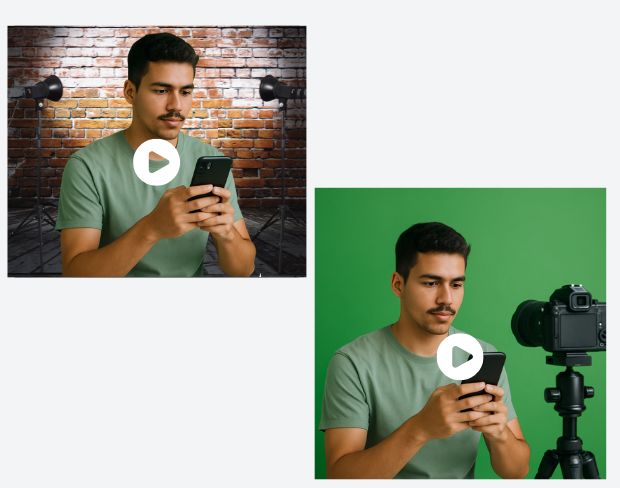
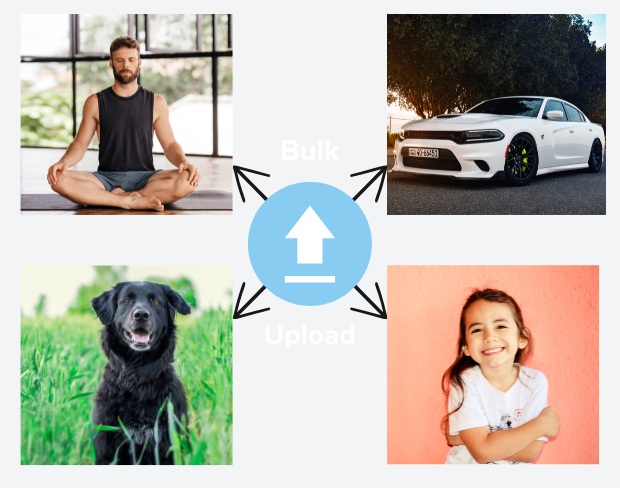
Gagnez du temps en traitant plusieurs vidéos à la fois. Notre fonction de traitement par lots vous permet de télécharger plusieurs vidéos et de supprimer les arrière-plans de toutes en même temps. Parfait pour les créateurs de contenu et les entreprises avec de grandes bibliothèques vidéo.
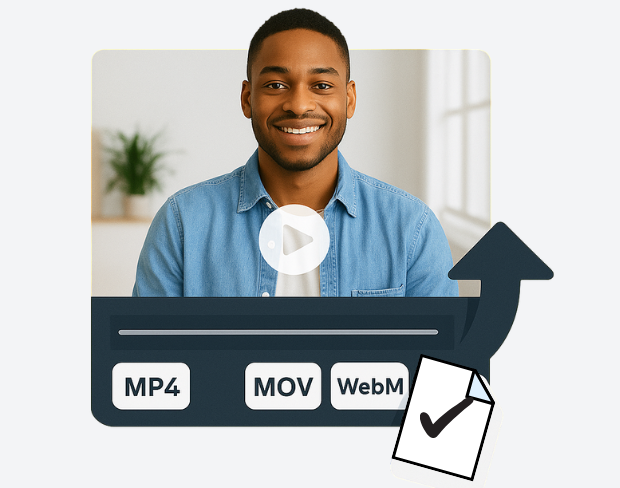
Exportez vos vidéos dans divers formats, notamment MP4, MOV et WebM, avec des paramètres de qualité personnalisables. Maintenez la qualité vidéo d'origine tout en supprimant parfaitement les arrière-plans. Notre outil préserve les détails et assure une lecture fluide sur tous les appareils.
Voyez instantanément les résultats de la suppression d'arrière-plan avec notre fonction d'aperçu en temps réel. Apportez des ajustements à la volée, affinez les paramètres et perfectionnez votre vidéo avant l'exportation finale. L'interface intuitive rend l'édition naturelle et facile, même pour les débutants.
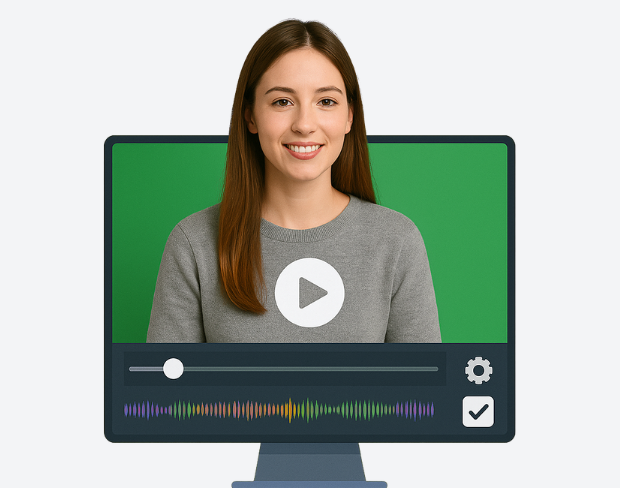
Supprimez et remplacez l'arrière-plan de votre vidéo en un clic. Changez l'arrière-plan vidéo en ligne.
Try NowBuilt for creators who need clean exports, simple editing, and reusable background workflows without opening a heavy desktop editor.
01
Transparent output
02
Reusable backgrounds
03
No heavy editor
01
Platform fit
Prepare your videos for YouTube, TikTok, Instagram, and more using our free video background remover. Easily create videos with a transparent background that fits perfectly on any social media or presentation platform that no complex edits needed.
02
Simple editor
Our free online video editor is designed for creators of all skill levels. Remove bg from video with ease using AI-powered tools that simplify background removal and editing, letting you focus on creating stunning content without hassle.
03
Fast delivery
Our free online video editor is designed for creators of all skill levels. Remove bg from video with ease using AI-powered tools that simplify background removal and editing, letting you focus on creating stunning content without hassle.
04
Motion-ready
Beyond videos, our gif bg remover lets you make GIFs with transparent backgrounds. Perfect for social media, ads, and messages add eye-catching animation that stands out with our transparent background maker.
Découvrez comment des milliers de créateurs, de marketeurs et de professionnels transforment leur contenu vidéo grâce à notre technologie de suppression d'arrière-plan alimentée par l'IA.
5 customer testimonials
Scroll to read all
“This background removal tool is incredible! I can create professional-looking videos in minutes. The AI technology is so accurate, and it saves me hours of editing time.”
Sarah Johnson
Content Creator · YouTube
“Our team uses this for all our product videos. The quality is amazing and the ease of use is unmatched. We've increased our video production by 300% since using this tool.”
Michael Chen
Marketing Director · TechStart Inc.
“Perfect for creating engaging social media content. The background removal is seamless, and I love how I can add custom backgrounds to match our brand aesthetic.”
Emma Rodriguez
Social Media Manager · Digital Agency
“As an online instructor, this tool has revolutionized how I create educational content. Clean, professional backgrounds help my students focus on the lesson content.”
David Park
Educator · Online Learning Platform
“I've tried many background removal tools, but this one is by far the best. The precision is incredible, and it works perfectly even with complex hair and clothing details.”
Lisa Thompson
Freelance Video Editor · Independent
Clear answers about uploads, exports, video limits, and switching from older background removal tools.
Start removing backgroundNotre IA analyse votre vidéo et supprime automatiquement l'arrière-plan.
Nous prenons en charge les formats MP4, MOV et M4V.
Oui, les vidéos doivent faire moins de 200 Mo et moins de 2 minutes.
Yes! BGRemover.video is the best Unscreen alternative, especially since Unscreen is shutting down on December 1, 2025. We offer unlimited video length, HD quality, no watermarks, and completely free usage - all features that required paid plans on Unscreen.
Unscreen announced they're shutting down on December 1, 2025 at 9:00 AM CET. Canva decided to discontinue the service to focus on other products. This makes BGRemover.video the perfect replacement with superior features and no shutdown concerns. Try our video background remover for better results.
Absolutely! Unlike Unscreen's free version which limited videos to 5-10 seconds, BGRemover.video has no time restrictions. Process videos of any length completely free - a feature that would have cost money with Unscreen Pro.
Share your experience with BGRemover and read how other users are removing backgrounds from videos faster.
5.0
Average rating
0
Total reviews
Tell other creators what worked for you.
Showing page 1 of 1 · 0 reviews
Be the first to share your experience.
Keep moving through focused tools for cleaner clips, sharper assets, and faster production workflows.