01
“This background removal tool is incredible! I can create professional-looking videos in minutes. The AI technology is so accurate, and it saves me hours of editing time.”
Sarah Johnson
Content Creator · YouTube
Entfernen und ersetzen Sie den Hintergrund Ihres Videos mit einem Klick. Video-Hintergrund online ändern.
By uploading, you agree to our Terms of Service and Privacy Policy
Need bulk processing? Try our batch remover →Use Cases
Switch between creator workflows and see how BGRemover adapts the background preview for each category.


Preview 1 of 5
Compare the original frame against a cleaned background, then browse ready-made looks.
Explore EcommerceSuchen Sie nach Apps zum Entfernen von Hintergründen? Der kostenlose Videoeditor ermöglicht es Ihnen, Ihren Originalhintergrund oder Greenscreen durch ein anderes Bild, Video oder eine Farbe zu ersetzen. Sie können mit einem Klick einen transparenten oder einfarbigen Hintergrund wählen. Das KI-Tool zur Hintergrundentfernung ist einfach, schnell und macht Spaß!
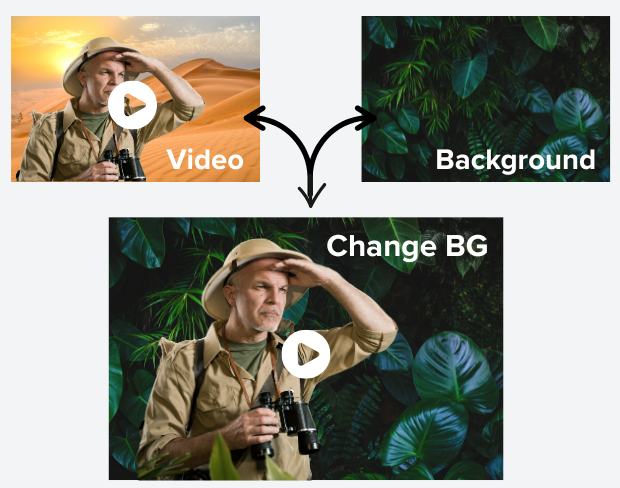
Unsere fortschrittliche KI-Technologie erkennt und entfernt Hintergründe aus Ihren Videos mit unglaublicher Präzision. Kein manuelles Bearbeiten oder komplexe Software mehr - einfach Video hochladen und die Magie erleben. Perfekt für Content-Ersteller, Marketer und alle, die professionelle Videos ohne Aufwand möchten.
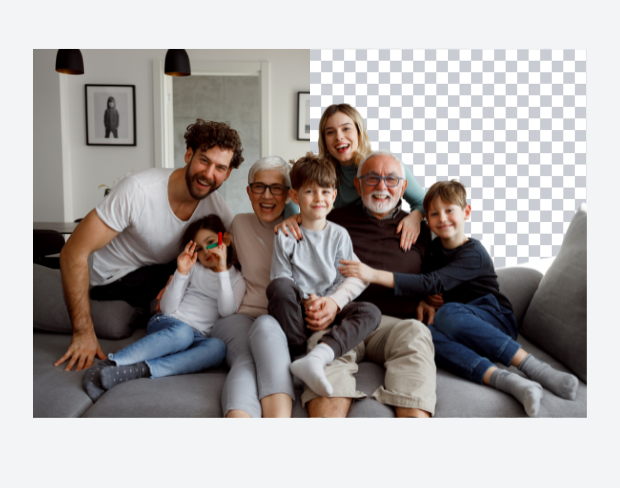
Verwandeln Sie Ihre Videos, indem Sie Hintergründe durch beeindruckende Bilder, dynamische Videos oder einfarbige Flächen ersetzen. Ob Sie sich an einen tropischen Strand, ein modernes Büro versetzen oder einen weißen Hintergrund für Ihren Content erstellen möchten – unser Tool macht es einfach. Laden Sie eigene Hintergründe hoch oder wählen Sie aus unserer Sammlung.
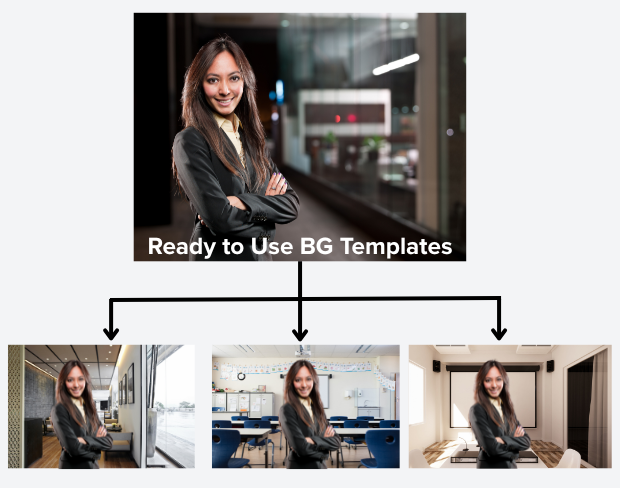
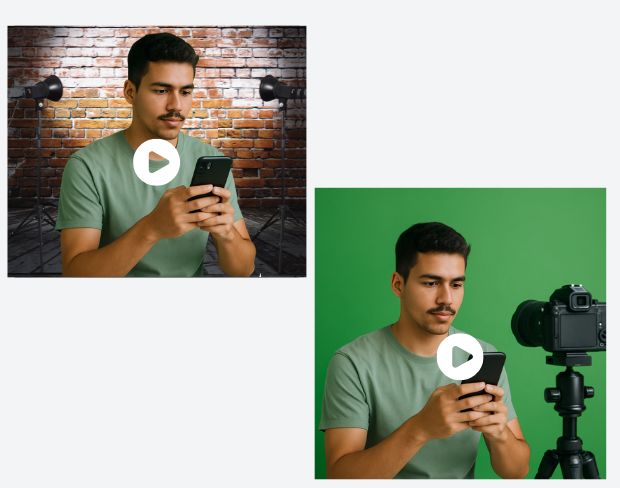
Kein Greenscreen? Kein Problem! Unsere KI kann jeden Hintergrund entfernen und ist ideal für professionelle Videos ohne teure Ausrüstung. Perfekt für thuiswerken, online presentaties, social media und videoconferenties. Maak studio-kwaliteit video's vanaf elke locatie.
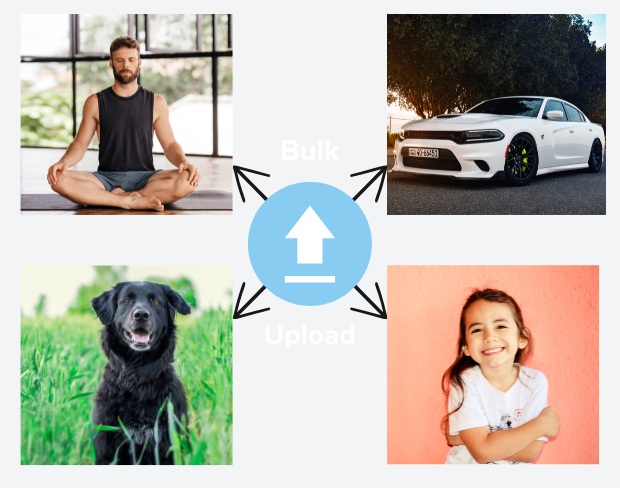
Sparen Sie Zeit, indem Sie mehrere Videos gleichzeitig verarbeiten. Mit der Stapelverarbeitung können Sie mehrere Videos hochladen und alle Hintergründe gleichzeitig entfernen. Ideal für contentmakers und bedrijven met grote videobibliotheken.
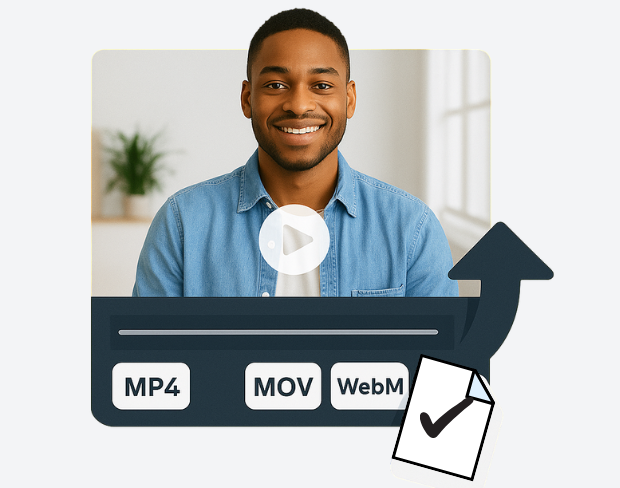
Exporteer je video's in verschillende formaten zoals MP4, MOV en WebM met aanpasbare kwaliteitsinstellingen. Behoud de originele videokwaliteit terwijl je achtergronden perfect verwijdert. Onze tool behoudt details en zorgt voor soepele weergave op alle apparaten.
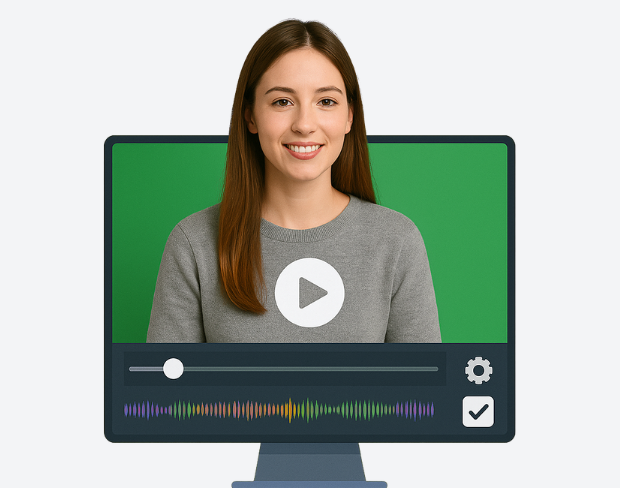
Zie direct de resultaten van achtergrondverwijdering met onze realtime voorbeeldfunctie. Pas direct aan, verfijn de instellingen und perfectioneer je video voor de uiteindelijke export. De intuïtieve interface maakt bewerken eenvoudig, zelfs voor beginners.
Entfernen und ersetzen Sie den Hintergrund Ihres Videos mit einem Klick. Video-Hintergrund online ändern.
Try NowBuilt for creators who need clean exports, simple editing, and reusable background workflows without opening a heavy desktop editor.
01
Transparent output
02
Reusable backgrounds
03
No heavy editor
01
Platform fit
Prepare your videos for YouTube, TikTok, Instagram, and more using our free video background remover. Easily create videos with a transparent background that fits perfectly on any social media or presentation platform that no complex edits needed.
02
Simple editor
Our free online video editor is designed for creators of all skill levels. Remove bg from video with ease using AI-powered tools that simplify background removal and editing, letting you focus on creating stunning content without hassle.
03
Fast delivery
Our free online video editor is designed for creators of all skill levels. Remove bg from video with ease using AI-powered tools that simplify background removal and editing, letting you focus on creating stunning content without hassle.
04
Motion-ready
Beyond videos, our gif bg remover lets you make GIFs with transparent backgrounds. Perfect for social media, ads, and messages add eye-catching animation that stands out with our transparent background maker.
Erfahren Sie, wie Tausende von Kreativen, Vermarktern und Profis ihre Videoinhalte mit unserer KI-gestützten Hintergrundentfernungstechnologie transformieren.
5 customer testimonials
Scroll to read all
“This background removal tool is incredible! I can create professional-looking videos in minutes. The AI technology is so accurate, and it saves me hours of editing time.”
Sarah Johnson
Content Creator · YouTube
“Our team uses this for all our product videos. The quality is amazing and the ease of use is unmatched. We've increased our video production by 300% since using this tool.”
Michael Chen
Marketing Director · TechStart Inc.
“Perfect for creating engaging social media content. The background removal is seamless, and I love how I can add custom backgrounds to match our brand aesthetic.”
Emma Rodriguez
Social Media Manager · Digital Agency
“As an online instructor, this tool has revolutionized how I create educational content. Clean, professional backgrounds help my students focus on the lesson content.”
David Park
Educator · Online Learning Platform
“I've tried many background removal tools, but this one is by far the best. The precision is incredible, and it works perfectly even with complex hair and clothing details.”
Lisa Thompson
Freelance Video Editor · Independent
Clear answers about uploads, exports, video limits, and switching from older background removal tools.
Start removing backgroundUnsere KI analysiert Ihr Video und entfernt den Hintergrund automatisch.
Wir unterstützen MP4, MOV und M4V Formate.
Ja, Videos müssen unter 200MB und 2 minuten lang sein.
Yes! BGRemover.video is the best Unscreen alternative, especially since Unscreen is shutting down on December 1, 2025. We offer unlimited video length, HD quality, no watermarks, and completely free usage - all features that required paid plans on Unscreen.
Unscreen announced they're shutting down on December 1, 2025 at 9:00 AM CET. Canva decided to discontinue the service to focus on other products. This makes BGRemover.video the perfect replacement with superior features and no shutdown concerns. Try our video background remover for better results.
Absolutely! Unlike Unscreen's free version which limited videos to 5-10 seconds, BGRemover.video has no time restrictions. Process videos of any length completely free - a feature that would have cost money with Unscreen Pro.
Share your experience with BGRemover and read how other users are removing backgrounds from videos faster.
5.0
Average rating
0
Total reviews
Tell other creators what worked for you.
Showing page 1 of 1 · 0 reviews
Be the first to share your experience.
Keep moving through focused tools for cleaner clips, sharper assets, and faster production workflows.